Sound that arrives with the light.
From the far end of the shoreline, the boom shows up a second late — and PA music arrives with it. PulseMesh puts your soundtrack on every spectator's phone, locked to the firing script, so the music lands with the flash, not after it.
- Spectator phones — geo or QR entry±10ms
- Car stereos at the tailgatedelay-compensated
- Bluetooth speakers on the blanketdelay-compensated
No stacks to rig, no broadcast license — the crowd brings the speakers.
Physics is against your PA
A shell bursts at 800 feet over the water. Your audience is spread along a mile of shoreline. No speaker stack can serve them all at once.
// The usual options
- Speaker stacks fight the speed of sound — at 1,000 feet the music runs a full second behind the burst
- Covering a shoreline or a stadium lot means delay towers, generators, cabling, and crew at every show
- Water, barges, and closed fallout perimeters put speakers exactly where you can't
- FM broadcast: licensing, hardware, and an audience that no longer carries radios
// With PulseMesh
- Every phone plays within ±10ms of the firing script — the last row hears what the front row hears
- Zero audio infrastructure at the site — nothing to barge in, power up, or tear down at midnight
- Distance stops mattering: shoreline crowds, rooftop watchers, and the overflow lot all stay on the beat
- Spectators connect by GPS or a QR on signage and tickets — any browser, no app required
Hear it for yourself
Play the demo on two devices side by side, then knock one out of sync by 80 ms. You'll hear the difference.
Start with the Cloud Player
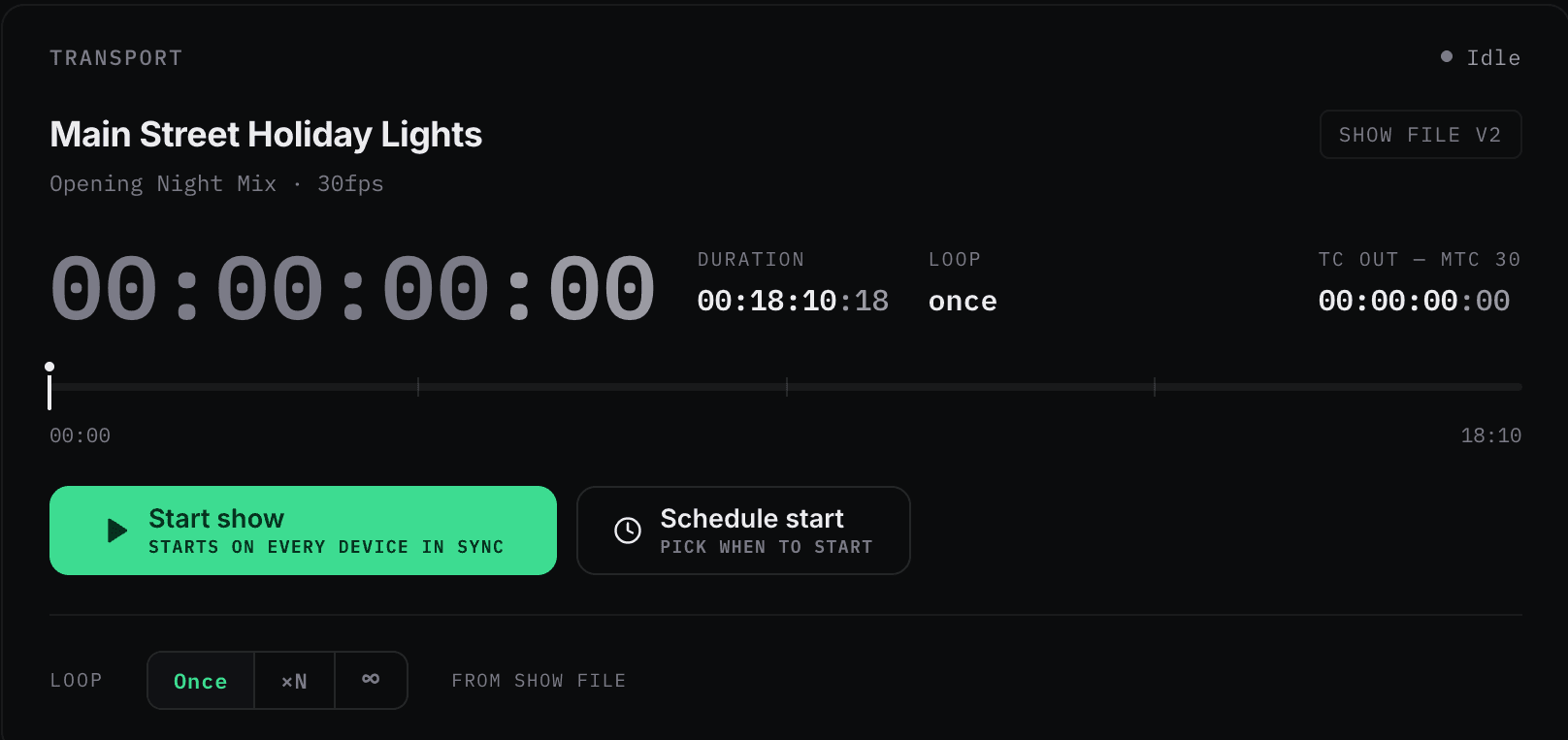
Upload your soundtrack, open your dashboard, and press play on the first cue. Your first synced show needs no timecode and no firing-system integration — add those later if you want them.
At the 2026 National Jamboree
PulseMesh provided the synchronized audio experience for the 2026 National Jamboree fireworks spectacular, an event viewed by approximately 12,000 people.
PulseMesh reached 1,291 simultaneous listening devices across event Wi-Fi and three cellular networks, with attendees frequently listening together in groups. The audience and device figures are two separate measurements — one from the organizers, one from the platform — and we never convert one into the other.
From load-in to finale
Create your show site
Define the venue and audience geo-radius in the dashboard — the lakefront, the stadium, the fairgrounds.
Load your soundtrack
Upload it to the Cloud Player for one-button playback — and if your firing system chases SMPTE timecode, add the Timecode Bridge to keep it on the audience's clock. Beta
Point spectators at the sky
Guests inside the geo-radius connect automatically; QR codes on signage and tickets catch everyone else.
Fire
The music locks to the show on every phone, first cue to finale. Afterward: attendance and engagement numbers in your analytics.
Built for show sites, not server rooms
Remote-site ready
Runs from a cellular hotspot at ~2MB/hour, and sync holds even on the congested networks of a packed venue.
Crowd-scale by default
A county fair or a city waterfront — capacity lives in the cloud, not in gear you truck to the site.
Geo-fenced connection
Spectators inside your show radius connect automatically — no codes to distribute, no frequency to announce.
Car audio compensated
For tailgate-style viewing, automatic Bluetooth delay compensation keeps CarPlay and Android Auto on the beat.
Licensing included
US performance rights (ASCAP, BMI, SESAC) handled automatically on commercial plans — one less contract per event.
Prove the turnout
Per-show analytics — connected listeners, peak concurrency, dwell time — become the numbers in your next client proposal.
Give the finale its soundtrack.
Tell us about your operation — show sizes, venues, and firing systems — and we'll set you up with a pilot event.