Your soundtrack, at any altitude.
A drone show without its music is just dots in the sky. PulseMesh delivers your soundtrack — locked to the choreography — on every spectator's phone. No PA rental, no FM license, no speakers to haul to a remote site.
- Spectator phones — geo or QR entry±10ms
- Tailgate car audiodelay-compensated
- Bluetooth speakers on the blanketdelay-compensated
The audience brings the sound system. You bring the show.
Sound is the hardest part of a drone show
The choreography is digital and precise. Getting audio to a few thousand people spread across a park, beach, or stadium lot is anything but.
// The usual options
- PA rental, delivery, power, and teardown at every venue — often the biggest line item after the drones
- Physics: spectators 500ft from the stacks hear the beat half a second after the drones move
- Noise ordinances and venue rules that cap volume or prohibit amplified sound entirely
- FM broadcast: licensing, hardware, and an audience that no longer carries radios
// With PulseMesh
- Zero audio hardware on site — the sound system is the phones your audience already brought
- ±10ms for every listener — front row or half a mile down the shoreline, no speed-of-sound lag
- Silent to the neighborhood — personal audio sidesteps noise restrictions completely
- Spectators connect by GPS or a QR on the signage — any browser, no app required
Hear it for yourself
Play the demo on two devices side by side, then knock one out of sync by 80 ms. You'll hear the difference.
Start with the Cloud Player
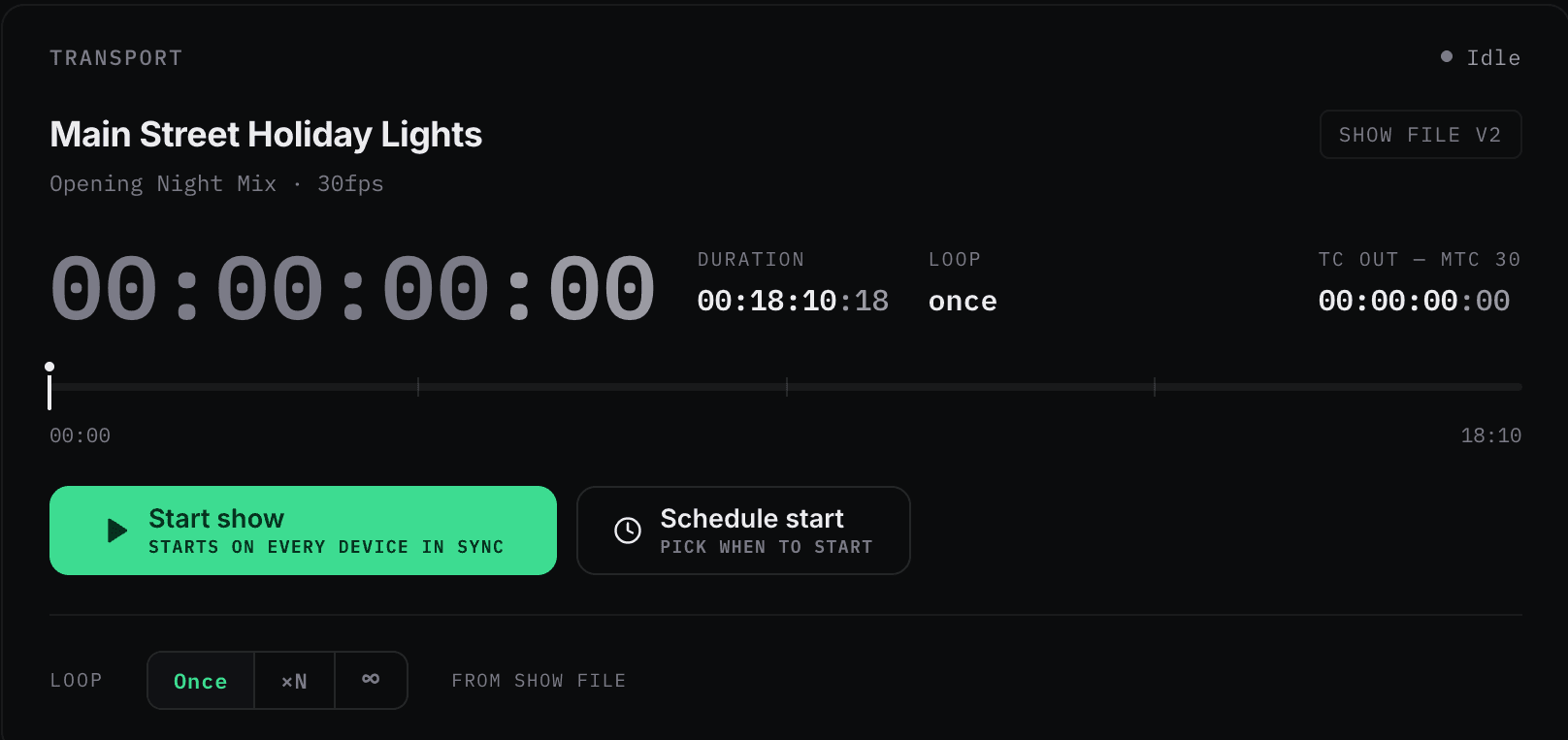
Upload your soundtrack, open your dashboard, and press play as the first drone lifts off. Your first synced show needs no timecode, no plugins, and no show-control integration — add those later if you want them.
From site survey to showtime
Create your show site
Define the event location and audience geo-radius in the dashboard. Touring? One setup per show design, reused per stop.
Load your soundtrack
Upload it to the Cloud Player for one-button playback — and if your flight software chases SMPTE timecode, add the Timecode Bridge so the whole show follows one clock. Beta
Point spectators at the sky
Guests inside the geo-radius connect automatically; QR codes on signage and tickets catch everyone else.
Fly
Audio locks to the choreography on every phone. Afterward: attendance and engagement numbers in your analytics.
Built for wherever the show is
Remote-site ready
Runs from a cellular hotspot at ~2MB/hour, and sync holds even on the congested networks of a packed venue.
Crowd-scale by default
Three hundred spectators or thirty thousand — capacity lives in the cloud, not in gear you truck to the site.
Geo-fenced connection
Spectators inside your show radius connect automatically — no codes to distribute, no frequency to announce.
Car audio compensated
For tailgate-style viewing, automatic Bluetooth delay compensation keeps CarPlay and Android Auto on the beat.
Licensing included
US performance rights (ASCAP, BMI, SESAC) handled automatically on commercial plans — one less contract per event.
Prove the turnout
Per-show analytics — connected listeners, peak concurrency, dwell time — become the numbers in your next client proposal.
Bring sound to your next flight.
Tell us about your operation — show sizes, venues, and show control stack — and we'll set you up with a pilot event.