Streams drift. Clocks don't.
Live streams reach every phone at a different moment — that's fatal for a synchronized show. PulseMesh doesn't race the network. It gives every device the same clock and lets each one lock itself to your show.
Network latency varies per device, per second — playback lands wherever the connection allows.
Every device plays against the show clock — within ±10ms of your source, regardless of its connection.
Why “just stream it” doesn't work
A live audio stream is at the mercy of every hop between the source and the listener. Cellular latency swings by hundreds of milliseconds from phone to phone and second to second — so two viewers standing shoulder to shoulder hear the beat at visibly different times. For music, that's an echo. For a show timed to lights, drones, or pyro, it's broken.
The traditional answer — FM broadcast — solved simultaneity but brought its own problems: transmitter power limits, licensing, static, manual tuning, and modern car Bluetooth pipelines that add their own delay after the radio.
Even physical sound has this problem at event scale: sound travels roughly one foot per millisecond, so a spectator 500 feet from the speaker stack hears everything half a second late. No PA budget fixes physics.
The fix isn't a faster stream. It's removing the network — and the air — from the timing path entirely.
One clock, continuously corrected
PulseMesh separates what plays from when it plays — the network delivers the audio ahead of time, and the clock decides the moment.
Your show sets the time
A plugin reads your show player's position in real time — or the Cloud Player and SMPTE timecode define the timeline directly. If your player runs fast, slow, or a voting plugin reorders the playlist, the clock follows.
Audio arrives early
Each viewer's device fetches the audio ahead of the moment it's needed, so a congested network can delay the download — never the beat. That's why sync holds on a packed venue's cell tower.
Every device self-corrects
While the show plays, each phone continuously compares its playback against the show clock and nudges itself back into place — keeping the audience within ±10ms of your source, all night.
Hear it for yourself
Play the demo on two devices side by side, then knock one out of sync by 80 ms. You'll hear the difference.
Three ways to feed the clock
From a one-button event to a fully integrated production — same engine, pick your on-ramp.
Show player plugins
Purpose-built plugins for FPP, xSchedule, and Light-O-Rama track your existing show in real time. Nothing about your setup changes — install, link, done.
Cloud Player
No show player at all: upload your soundtrack and press play from the dashboard when the show starts. The go-to for drone shows, fireworks, and one-off events.
Professional timecodeBeta
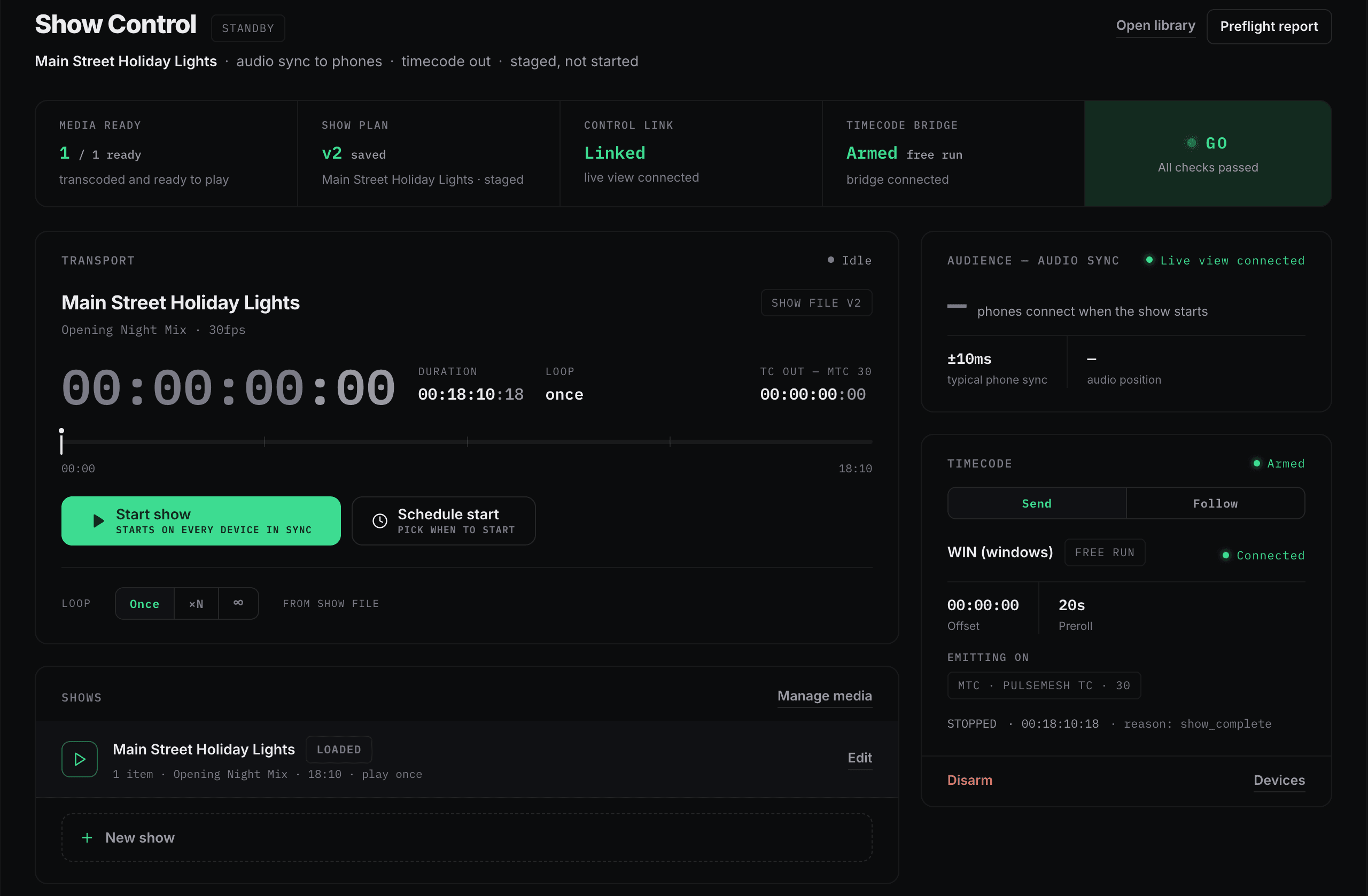
The free Timecode Bridge chases your house LTC or MTC so your console stays the master — or turns around and generates MTC and LTC for your rig. Existing show control keeps the workflow it already trusts.
Every speaker the audience brought
The clock doesn't care what's playing the audio — but each device type gets its own treatment.
Phones
iOS and Android apps, or any browser — no download required. Audio keeps playing with the phone locked or in a pocket.
Car audio
Bluetooth, CarPlay, and Android Auto add delay after the phone. PulseMesh compensates for it automatically, so the car's speakers stay on the beat.
Bluetooth speakers
Blanket-and-lawn-chair setups get the same delay compensation, so a picnic speaker doesn't lag the show.
LED screensBeta
Screens & Video puts video on the same clock — any number of screens, live or scheduled, frame-locked to each other and to the audience's audio.
How the audience finds your show
Location detection
Set a geo-radius around your display or venue. Anyone who opens PulseMesh inside it sees your show — no codes to distribute or explain.
QR codes & links
A scannable code on your yard sign, event signage, or tickets opens the show directly in the browser. Custom-printed signs are available from your dashboard.
Tap to connect
NFC tags give walk-up viewers a one-tap connection — no camera, no typing, no explaining.
The numbers that make it practical
Average playback accuracy against your show source — tight enough that the timing work you obsessed over actually lands.
Plugin data use after the initial upload. A cellular hotspot at the display or show site is all the infrastructure you need.
The cloud fans out to the audience, so a thousand more viewers add zero load on your show player. Scale is a plan setting, not a hardware upgrade.
Hear it for yourself.
The free plan takes minutes to set up — or grab two phones and open the same display to watch the sync lock in.